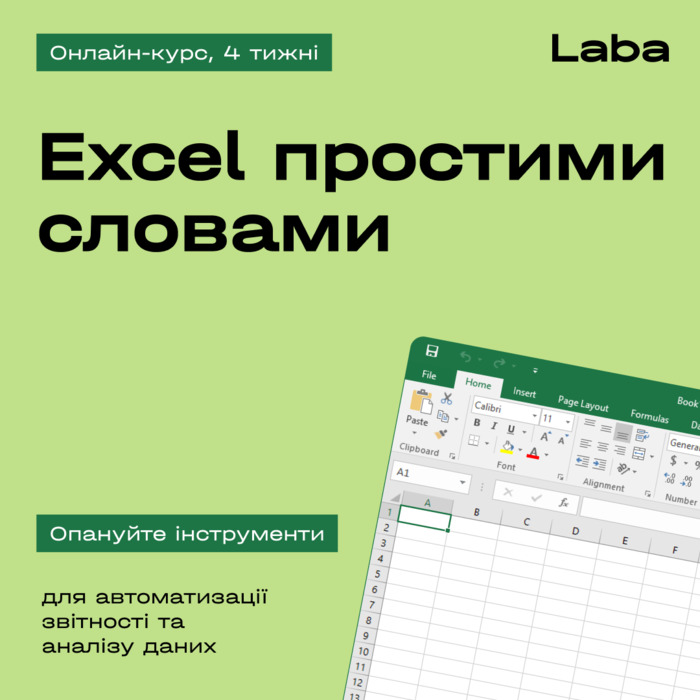
Hands-on Excel for Business with focus on data analytics, reporting automation, and security. Instructor — Oleksii Voshchak, 13 years in financial modeling.
Language of course:
Ukrainian
Format of the event:
Online
Add to collection
you haven't created a collection yet
Add Collection
Course overview
Description generated based on course syllabus and open data.
Guided by Oleksii Voshchak, an expert with 13 years of financial modeling and management reporting, the course covers practical Excel for Business: data preparation, formulas and functions, pivot tables, visualization, model optimization, and data protection.
Who it suits and who it doesn’t: Excel for Business
Who Excel for Business suits
- Finance, accounting, and controlling professionals working with large datasets.
- Analysts and managers who need pivot tables, charts, and structured reports.
- Team leads standardizing processes and reporting templates.
- Beginners in business analytics seeking to systematize core Excel skills.
Who Excel for Business does not suit
- Those seeking exclusively programming (Python/R) with no Excel work.
- Users who only need presentation tools without data analysis.
- Those expecting full automation without user involvement.
Business analytics issues → what Excel for Business changes
- Issue: scattered data sources. → Change: unification via preparation, cleaning, and structured tables.
- Issue: manual calculations and errors. → Change: reproducible computations with formulas and functions.
- Issue: unreadable reports. → Change: pivot tables and charts for clear visualization.
- Issue: slow metric updates. → Change: report refresh routines and version control.
- Issue: file access risks. → Change: access policies, range protection, and change audit.
Comparison with alternatives: Excel for Business and other tools
- Excel vs Google Sheets: Excel offers broader functions, advanced pivots, and offline stability; Sheets is convenient for real-time browser collaboration.
- Excel vs BI platforms (Power BI, Tableau): BI excels at dashboards and scaling; Excel is strong for ad‑hoc analysis, data prep, and detailed calculations.
- Excel vs VBA/scripts: VBA/scripts extend automation; core Excel covers most business tasks without code.
Skills after working through Excel for Business materials
- Data preparation: cleaning, normalization, structured ranges and tables.
- Formulas and functions: logical, text, date/time, lookup, aggregation.
- Interactive and pivot tables: grouping, slicers, calculated fields.
- Visualization: chart combinations, formatting, metric presentation.
- Business model optimization: scenarios, sensitivity, assumption checks.
- Security: access control, sheet protection, change auditing.
Excel for Business structure and format
- 8 modules, 42 video lectures, 3 online workshops.
- Duration: 4 weeks; start: January 20.
About the Excel for Business instructor — Oleksii Voshchak
- Assistant Finance Manager, Forsego Ukraine; Ex-Partner at Bridges Consulting.
- 13 years in financial modeling and business analytics implementation in IT and banking.
- Budgets, forecasts, and strategies for Oschadbank; retail analytics at Ukrsotsbank.
Brief program outline of Excel for Business
- Data preparation
- Formulas and functions
- Functions and arrays
- Interactive tables
- Pivot tables
- Data visualization
- Business model optimization
- Data security and protection
Evaluation
Only authorized users can leave reviews and rate
Log in »




.png)